09
Commercial
differences.
How commercial differs from retail.
Explain how the commercial UX differs from retail.
Set up a custom walk-up screen using Athena and a club code.
Talk through guest vs member experience on a commercial machine.
Know the club settings PIN — and which features it gates.
How they
differ.
Account model: commercial supports member sign-in via QR + a guest path; retail is single-account.
Content model: same iFIT library; commercial layers operator-controlled content and apps on top.
Branding controls: operators set a custom walk-up screen via Athena; retail has none.
PIN gating: commercial uses PIN 3867 for Club Settings (operator-only).
Why operators
care about the upgrade.
Commercial 2.0 is the biggest UX change in years. QR-code login replaces typed credentials, the dashboard is redesigned, and the PIN is new.
2.0 Commercial playlist · ~2 min.
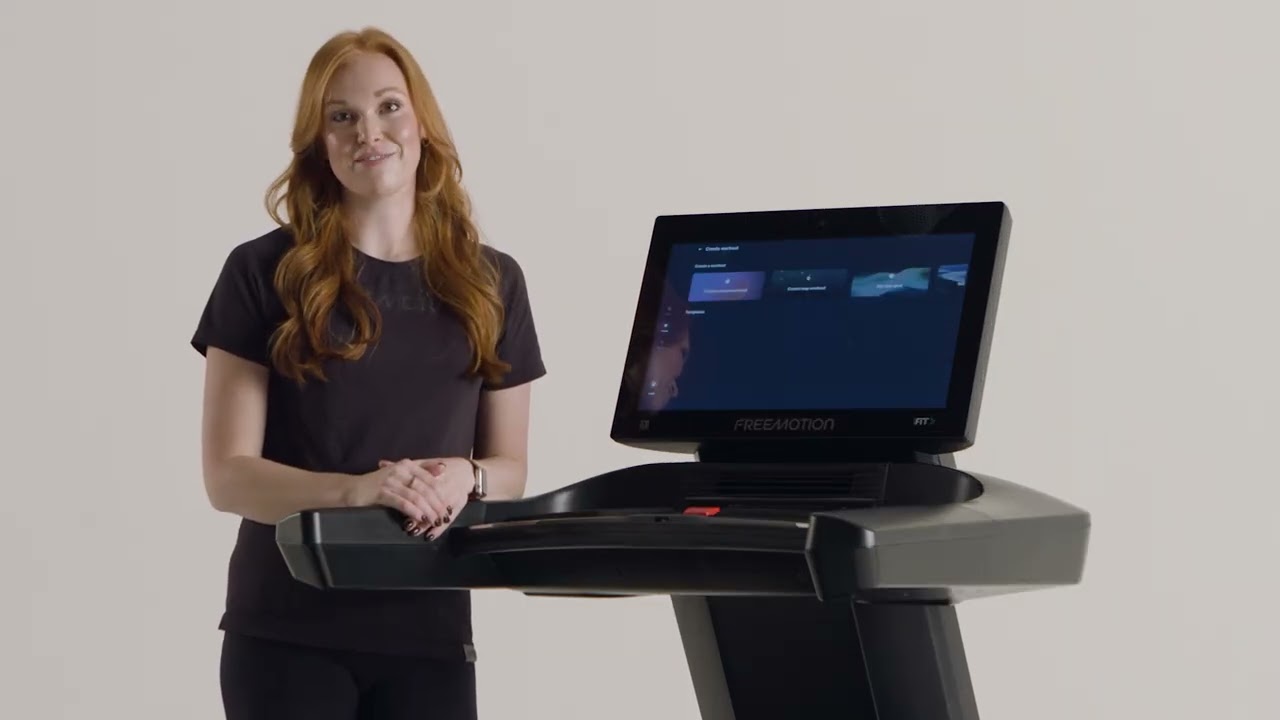
New with 2.0 —
what to remember.
01
- 01
QR code login replaces typed credentials.
- 02
Redesigned navigation sidebar and dashboard.
- 03
New downloadable apps available in the app store.
- 04
PIN code 3867 replaces the old gesture for club settings.
- 05
Workout Creator now includes custom and goal-based modes.
- 06
Enhanced in-workout customization for metrics, charts, and controls.
Tour of the
Freemotion interface.
Familiar iFIT structure adapted for shared use. The big new split is user-level Settings vs operator-level Club Settings.
navigation Commercial playlist.
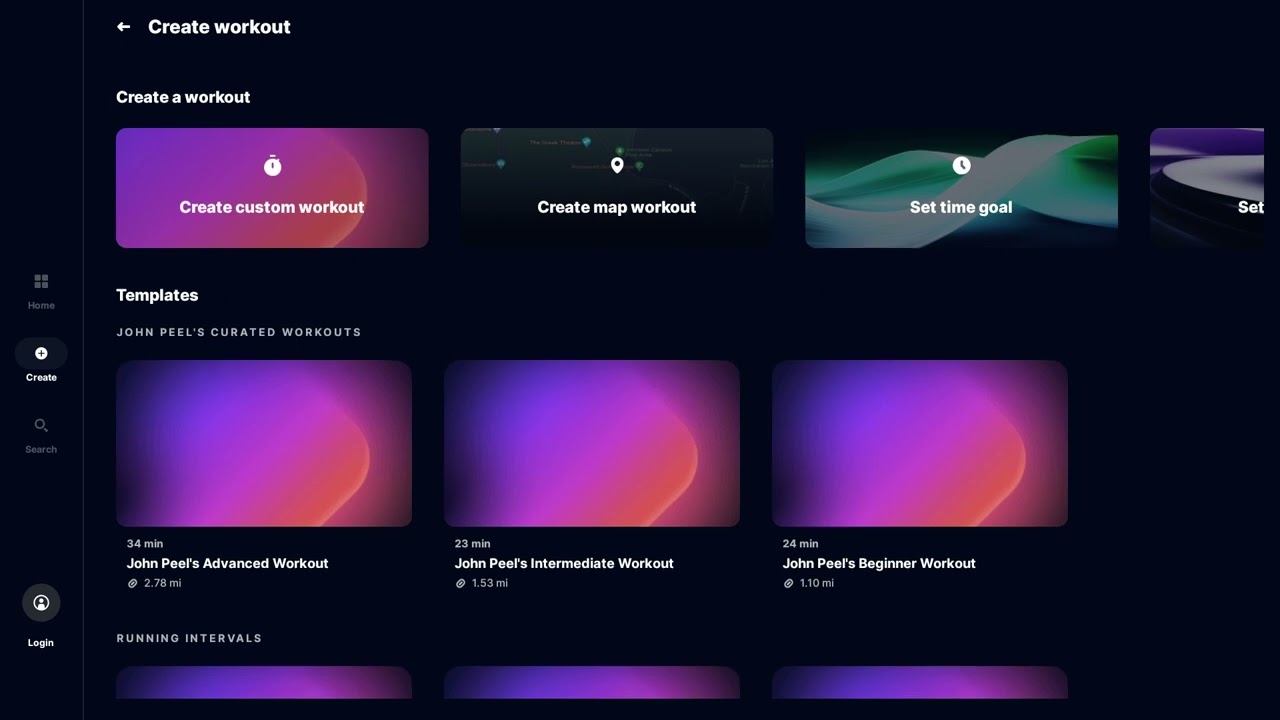
Commercial navigation —
what to remember.
02
- 01
Familiar iFIT structure adapted for shared/commercial use.
- 02
Side menu, dashboard, and app tray follow the retail pattern.
- 03
Settings split: user-level Settings and operator-level Club Settings (PIN 3867).
Two paths:
scan or guest.
Operators choose which path to default to. Members get personalization; guests get the library and a great trial.
screen Commercial playlist.
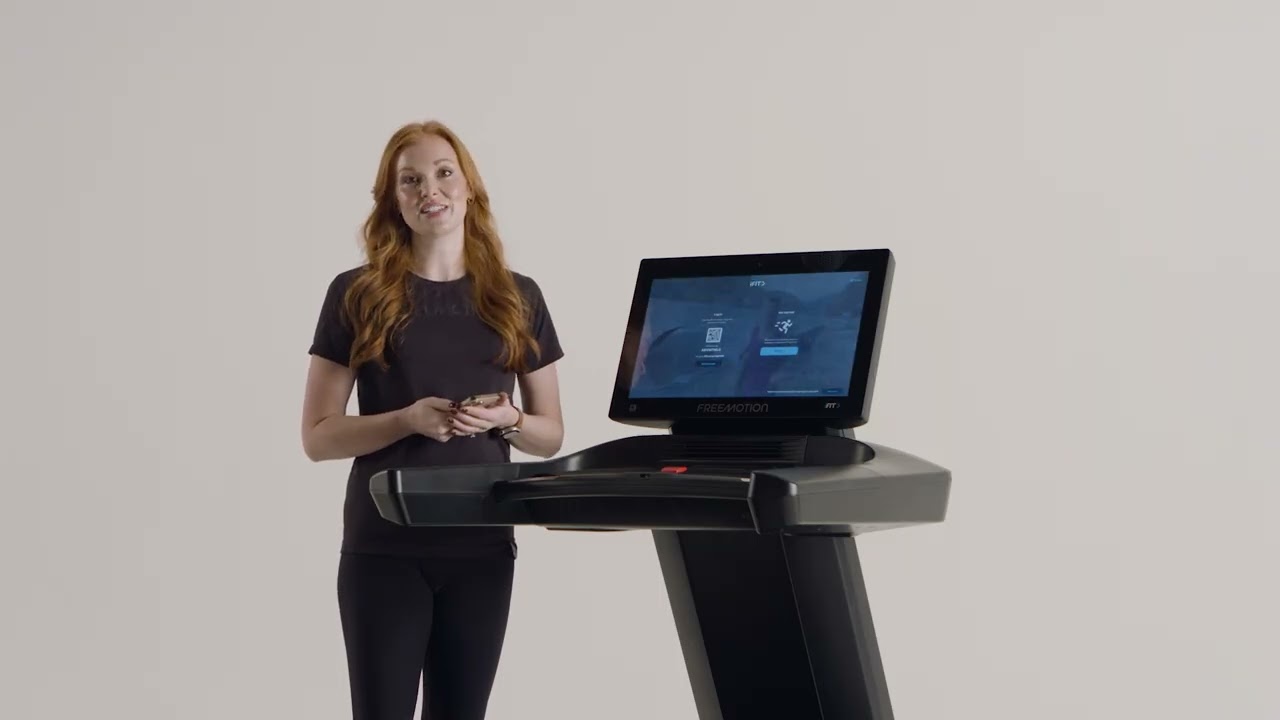
Commercial login —
what to remember.
03
- 01
Members: scan the QR code with phone, log in via phone, stay logged in.
- 02
Non-members: tap "Workout" to log in as a guest and access content.
- 03
Operator decision: which path to default to on club equipment.
What unlocks
with a paid account.
Both get the iFIT library. Personalization is the upsell — and it's the talking point that converts club members.
member Commercial playlist.
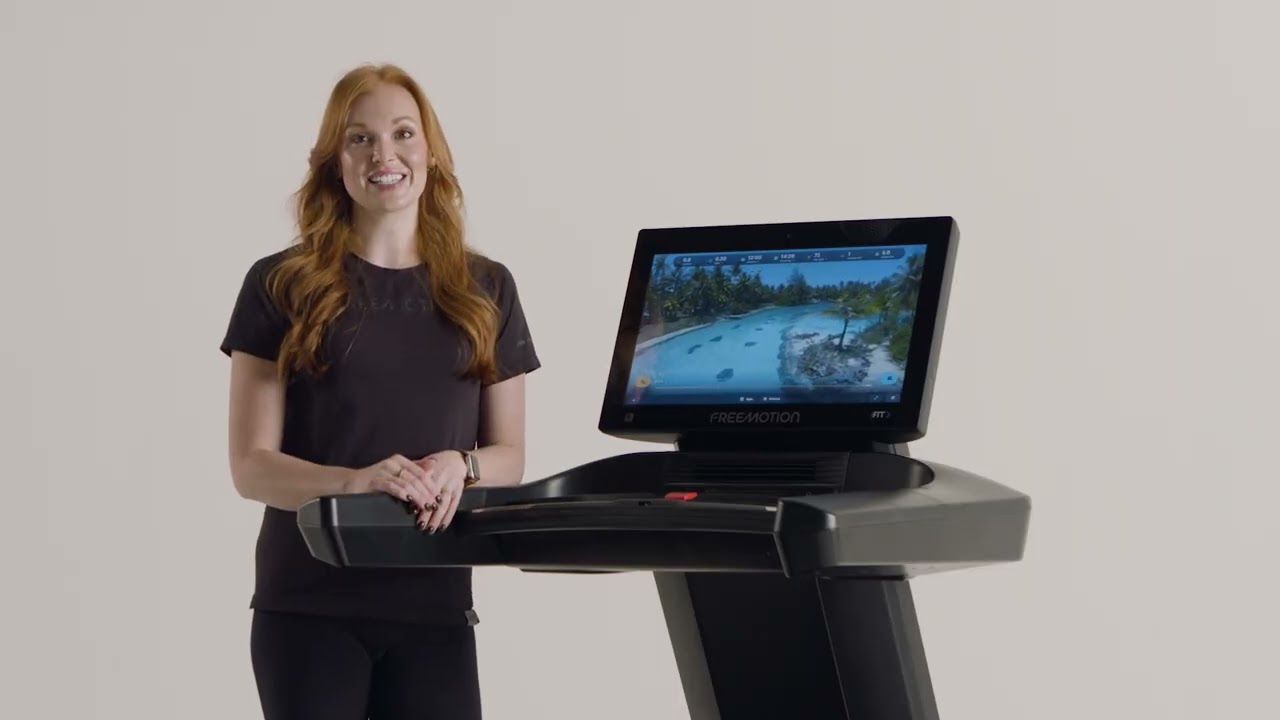
Guest vs member —
what to remember.
04
- 01
Both have access to the iFIT workout library.
- 02
Paid members unlock: scheduled/saved workouts, personalized recommendations, SmartAdjust, Trophy Case.
- 03
Guests get a great trial — but the personalization is the upsell.
Branded screensaver,
via Athena.
Athena is iFIT's operator portal. Submit an image, get a club code, paste the code on every machine — done. Future updates auto-flow.
screen Athena → club code → equipment.
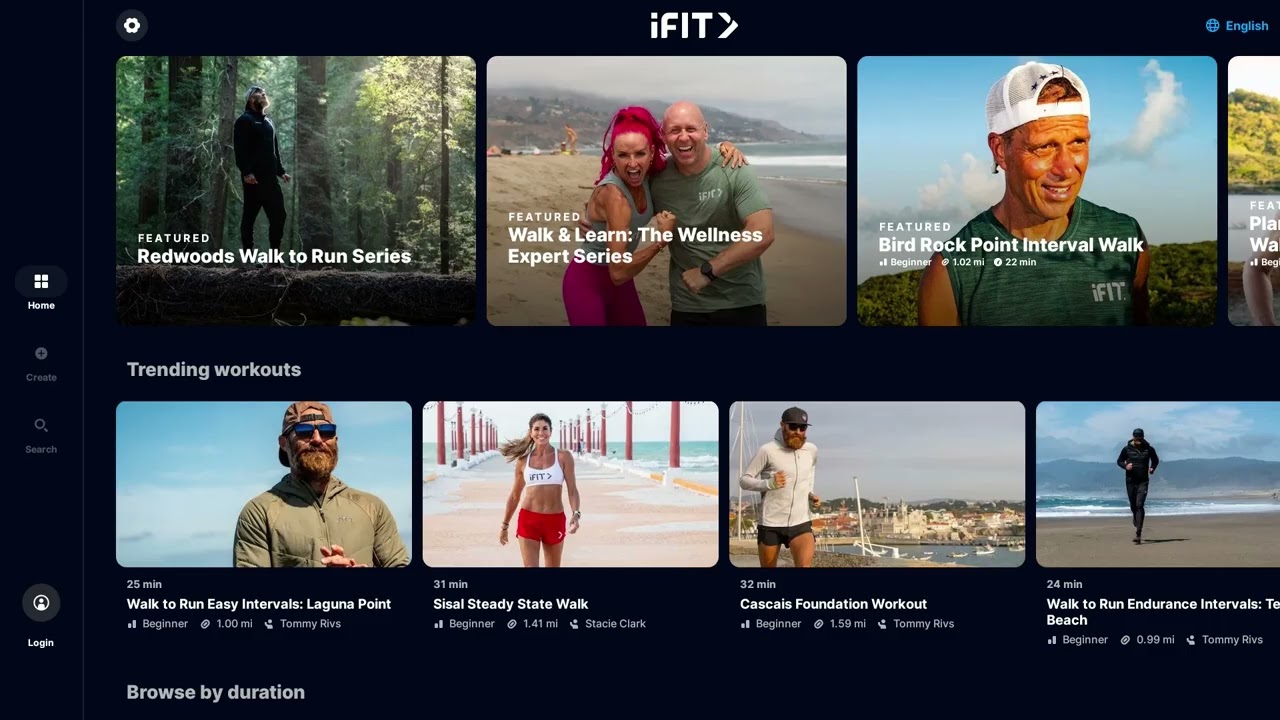
Walk-up screen —
what to remember.
05
- 01
Operator submits walk-up image via Athena (sales rep can grant Athena access).
- 02
Athena returns a club code; enter it on each piece of equipment to apply.
- 03
On the equipment: Settings → Club Settings → enter PIN 3867 → Add Club Code → paste.
- 04
Future image updates flow through Athena automatically — no need to revisit each machine.
- 05
Optional QR code on the screen takes customers to a login page.
Same multi-app,
operator controlled.
Operators choose which apps appear in the tray and customize the in-workout layout. Members get the same multi-app feel as retail.
commercial Club Settings (PIN 3867).
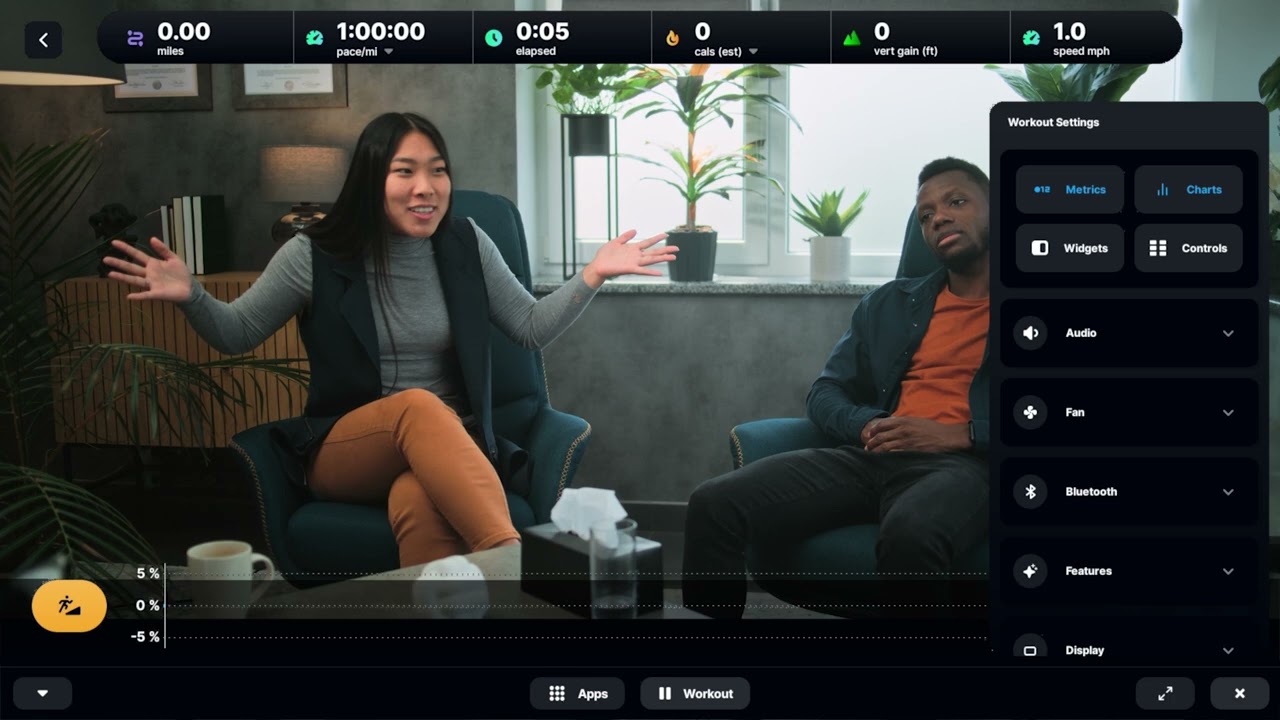
Commercial multi-app —
what to remember.
06
- 01
Manage apps via Club Settings (PIN 3867) — operators control what's installed.
- 02
Apps launch from the home screen app tray.
- 03
Customize in-workout layout (metrics, charts, full-screen).
- 04
Apps work alongside manual, guided, or custom workouts.
Six things
to remember.
01
PIN 3867
Club Settings PIN. Different from Demo Mode (5294).
02
QR-code login
Replaces typed credentials. Members scan with their phone.
03
Guest vs member
Both get the library. Members get personalization, badges, schedule.
04
Athena = walk-up
Submit image → club code → paste once. Updates auto-flow.
05
Two-tier settings
User Settings vs Club Settings (operator-only, PIN-gated).
06
Three creator modes
Goal, Custom, Map — same modes as retail Workout Creator.
Take the quiz
to complete the module.
Pass at 80% to mark Module 09 complete. Use your work email — that's how completion gets credited to you.
Open Module 09 quiz