08
Demo mode
install.
Install demo mode on any iFIT 2.0 unit.
Identify which equipment is eligible for Demo Mode on iFIT 2.0.
Install on a new unit, an existing unit, or a unit returning to demo.
Know the retail demo login, the unlock PIN, and the wifi path.
Explain what works — and what doesn't — in Demo Mode.
A walk-up demo
experience — no account needed.
Demo Mode lets a customer try iFIT in-store without signing in. It's read-only — nothing persists between sessions, every walk-up starts fresh.
Products ending in -25
iFIT 1.0 — different install process
Read-only · resets each session
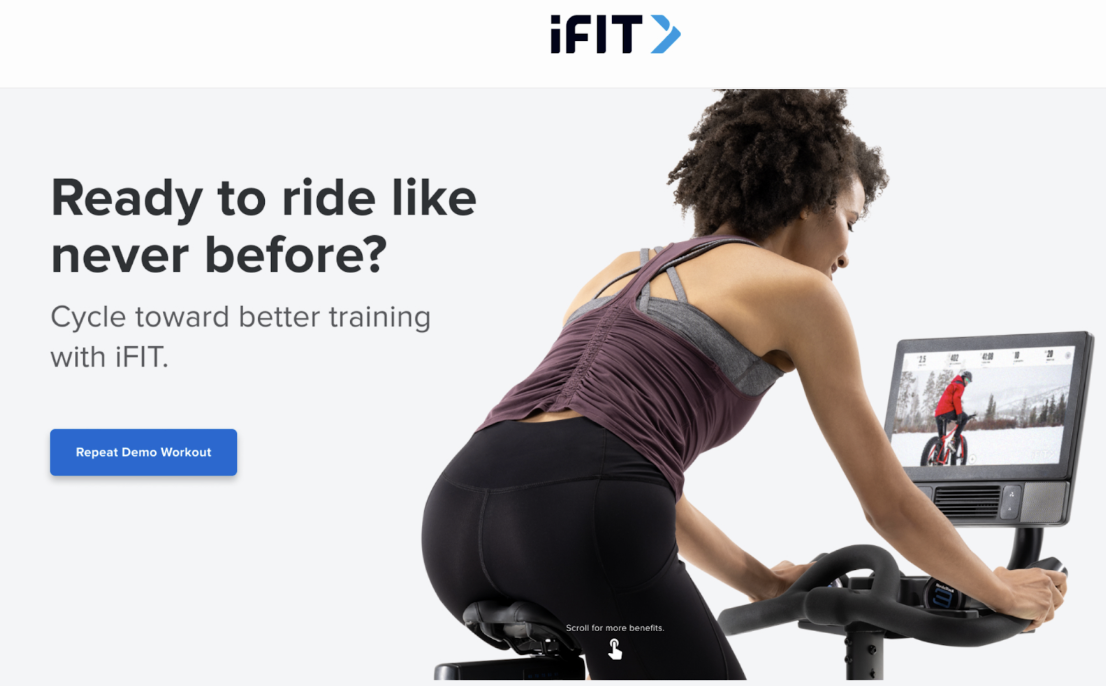
Old vs new demo mode.
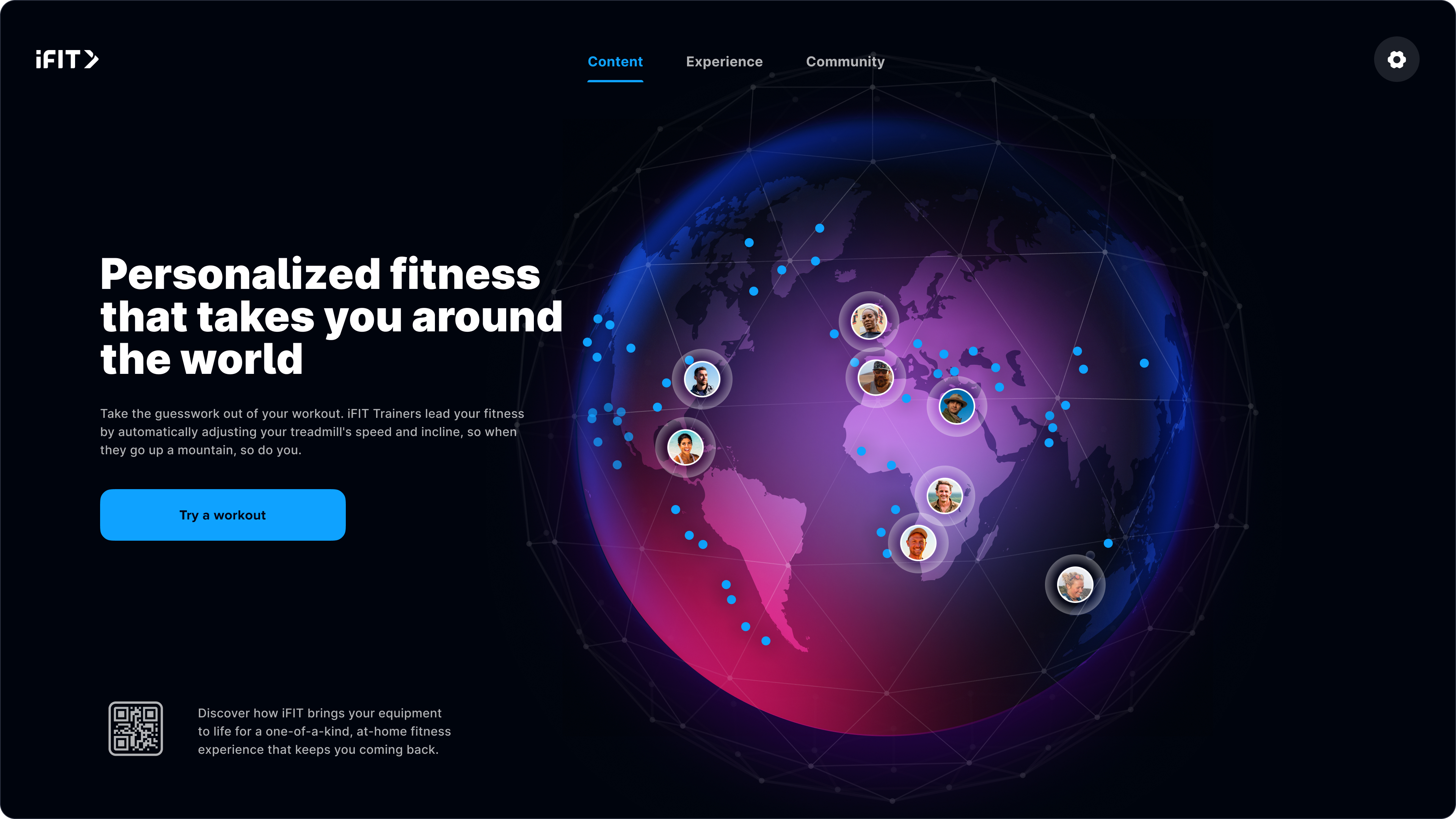
"Personalized fitness that takes you around the world."
Where to start.
The install has six steps — but you don't always run them all. Pick the scenario that matches the unit in front of you.
New unit, out of box
Just delivered. Hasn't been powered on. No setup of any kind yet.
Existing unit, first demo
Already set up as a normal machine. Going into demo mode for the first time.
Returning to demo
Was in demo mode before. Coming back into demo mode again.
01
Equipment setup.
- Unbox and follow the standard equipment setup.
- Connect to wifi during onboarding.
- Accept all updates when prompted.
Existing units? Skip to Step 02.
02
Login + verify wifi.
- From the login screen, scan the QR code, or use credentials: ifit+retail@ifit.com / Password!
- On the dashboard, tap the gear icon (top-left).
- Select Preferences → Wifi.
- Pick a strong network and confirm connection.
03
Make sure it's up to date.
- From Settings, select Equipment.
- Look at Software Update — if an update is available, tap Update.
- May take several update cycles to fully update.
- Verify Software Update shows "Up to date" before proceeding.
04
Return to the login screen.
- Tap the gear icon (top-left) → Your Account → Logout.
- You should land back on the login screen.
Why this matters: the "Demo mode" button only appears on the login screen.
05
Enable demo mode.
- From the login page, tap "Demo mode" in the top-right corner.
- Enter PIN: PIN5294
- Select brand if asked (NordicTrack or ProForm — not all equipment has brand variants).
- Wait several minutes for assets to download.
- Demo Mode screensaver appears when complete.
06
Power cycle.
- Turn equipment off, wait 10 seconds, turn back on.
- Use the power switch or unplug — either works.
- This prevents caching between demo sessions and gives a smoother walk-up experience.
After power-on you should land on the demo mode screensaver. You're done.
Demo mode
nuances.
- 01
ActivePulse is not available in Demo Mode.
- 02
Spotify is iFIT 2.0 Glass only on equipment, and availability differs in international markets — flag this when running music demos abroad.
- 03
Translations: Demo Mode follows the equipment's UI language; AI translations are not active.
- 04
Read-only: no account state persists across demo sessions. Every walk-up starts fresh.
Take the quiz
to complete the module.
Pass at 80% to mark Module 08 complete. Use your work email — that's how completion gets credited to you.
Open Module 08 quiz