04
Workout types
& engagement.
Every workout type, and what keeps people coming back.
Describe every iFIT workout type.
Use the Workout Creator (Maps and Build Your Own).
Explain Goals, Series, Challenges, and the Trophy Case.
Pick the right workout type for any customer goal.
Studio, Outdoor,
Audio.
Studio: trainer-led classes filmed in iFIT studios — energy of a class, structure of a workout.
Global Outdoor: filmed on location around the world — Iceland, Patagonia, Kenya, the Alps.
Audio: trainer-coached, no screen needed — perfect for outdoor runs and walks.
Most content is organized into progressive series for week-over-week structure.
Pick anywhere
in the world.
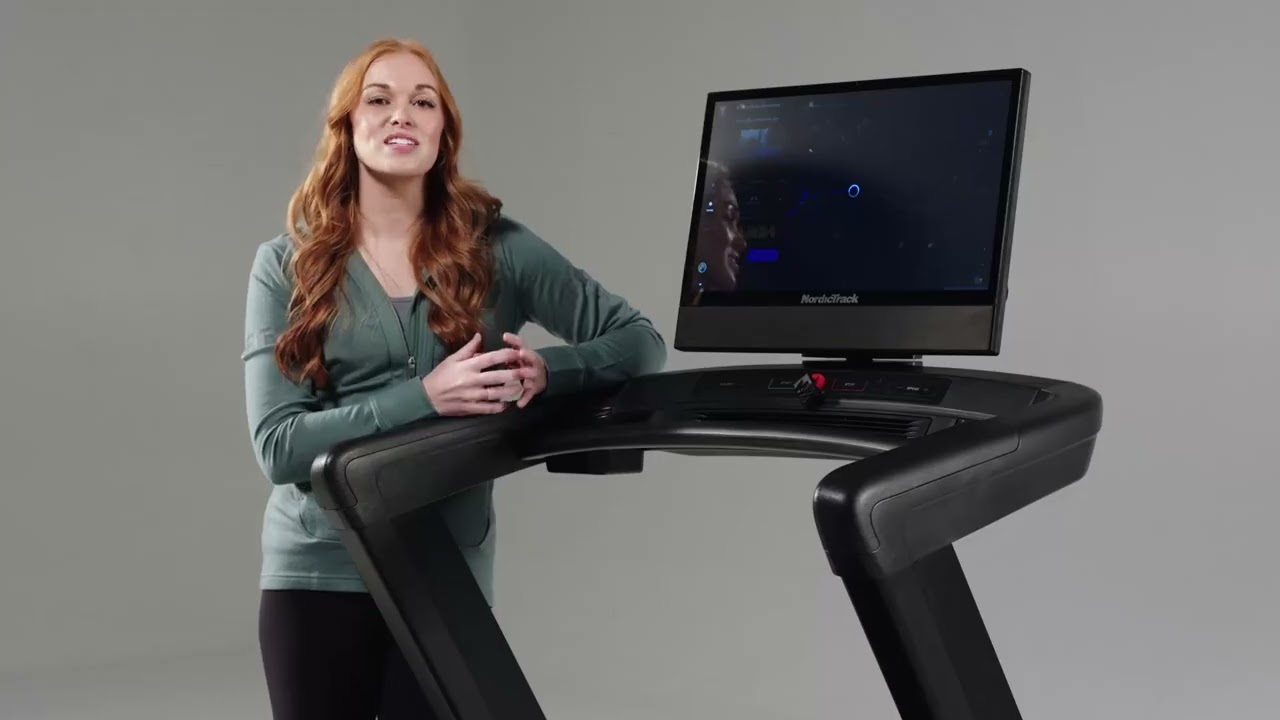
Map workouts let a customer build a workout from any street, trail, or coastline. The machine — treadmill, bike, or elliptical — matches real elevation step for step.
workouts Workout Creator → Create map workout. iFIT 2.0 Glass.
Map workouts —
what to remember.
01
- 01
Side menu → Create → Create map workout.
- 02
Search any location, tap to draw a route.
- 03
Live distance and duration estimate as you draw.
- 04
Treadmill auto-adjusts incline to match real elevation.
- 05
In-workout: switch street view, map view, satellite view, or auto-cycle.
Custom intervals,
sets, and cycles.
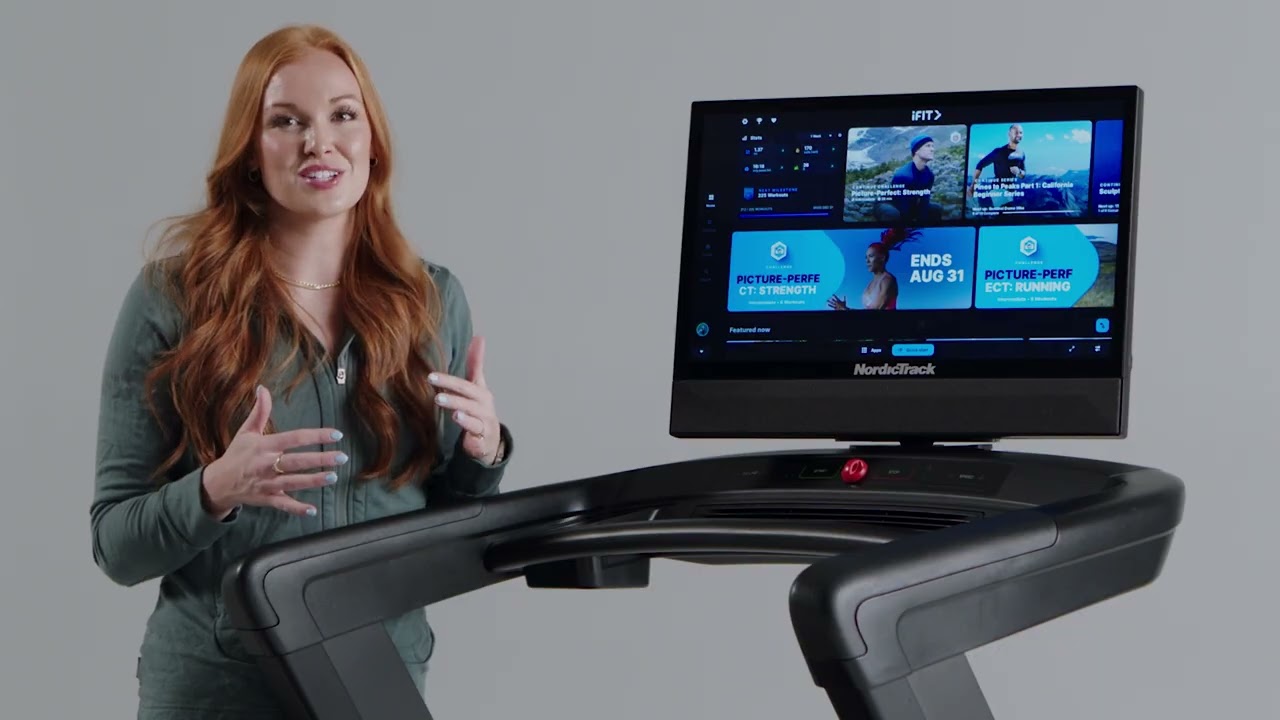
For customers who already know exactly what they want their workout to look like — coaches, athletes, returning members rebuilding old routines.
your own Workout Creator → Create custom workout. iFIT 2.0 Glass.
Build your own —
what to remember.
02
- 01
Side menu → Create → Create custom workout.
- 02
Build intervals: time, speed, incline, repetitions.
- 03
Use sets and cycles for repeating patterns.
- 04
Save and replay from My Workouts.
- 05
Pre-built templates available — duplicate and customize.
- 06
Workout Creator is iFIT 2.0 Glass only.
Set a target,
workout ends when you hit it.
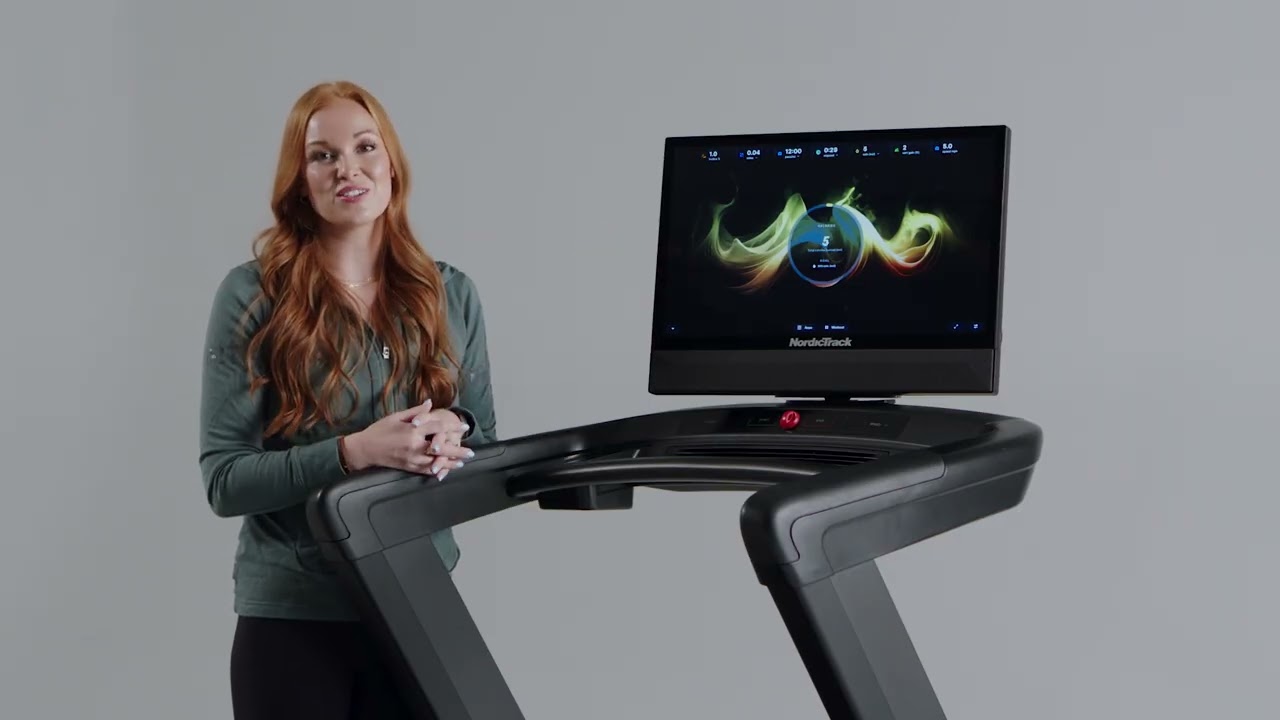
Goal workouts are perfect for customers training to a specific number — a 5K, 30-minute walk, or 200-calorie burn.
workouts Workout Creator → Goal workout.
Goal workouts —
what to remember.
03
- 01
Side menu → Create → Goal workout.
- 02
Pick goal type: time, distance, or calories.
- 03
Set target value and estimated speed/incline.
- 04
Workout auto-ends when goal is met.
iFIT's progressive
programs.
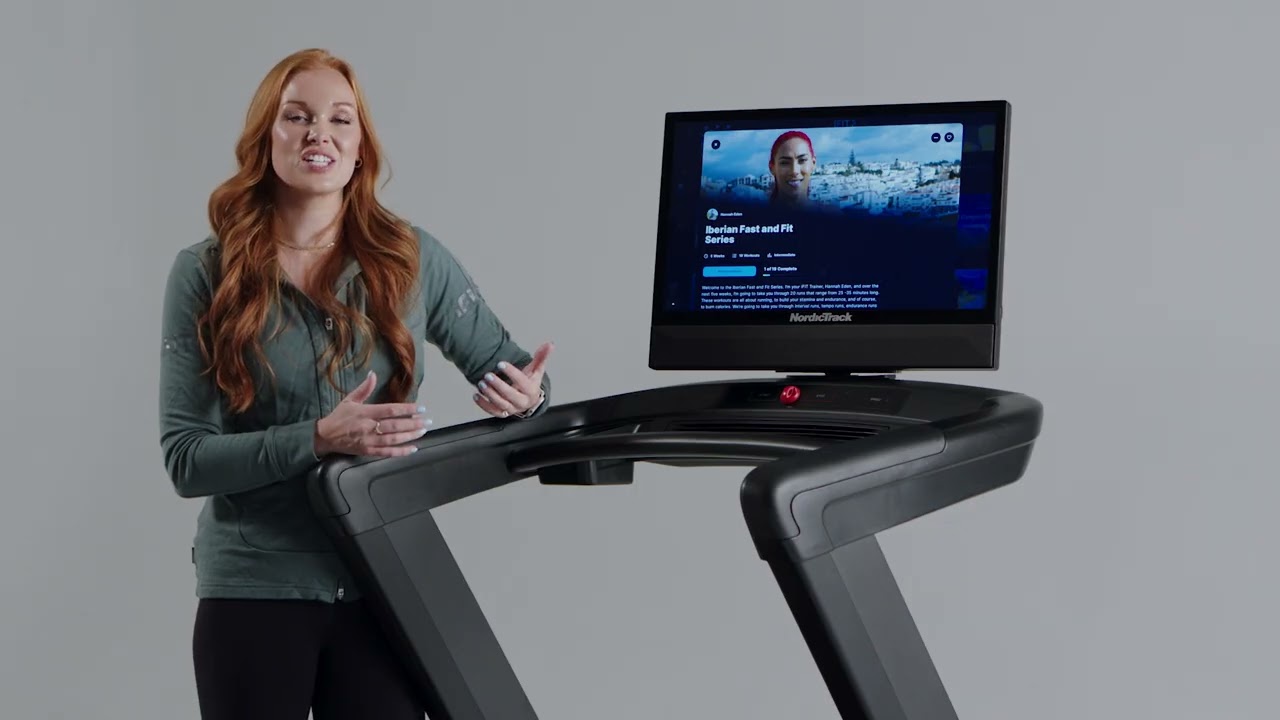
Series take a customer from point A to point B over weeks. They're iFIT's answer to "what should I do next?" and the engine behind retention.
Series —
what to remember.
04
- 01
Most iFIT workouts are organized into progressive series (point A → point B over time).
- 02
Series details show: history, total workouts, estimated duration, completion bar.
- 03
Ellipses (top-right) → Leave series (removes from dashboard) or Restart series (back to workout 1).
- 04
Find new series via home recommendations or Search → filter Series.
- 05
Active series shows in the top dashboard row for one-tap continue.
Time-bound goals
with a badge.
Challenges add a clock and a reward. They're short, focused, and great for customers who like a finish line and a trophy.
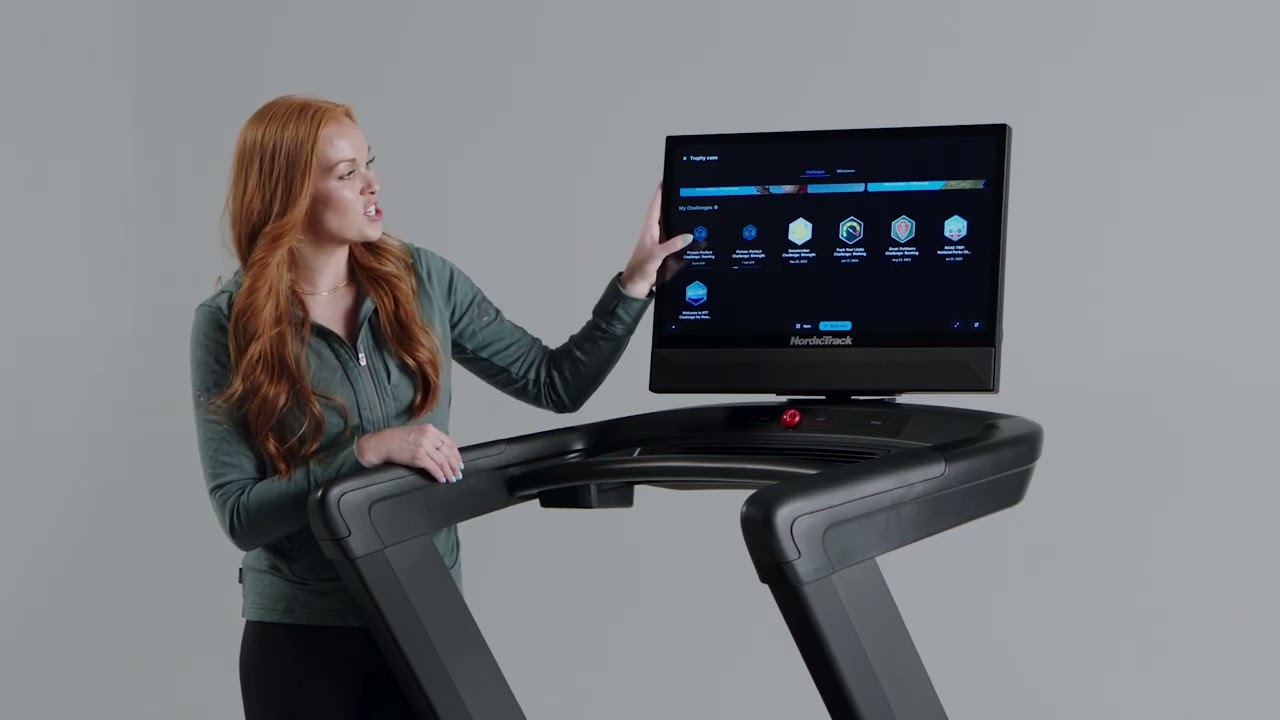
Challenges —
what to remember.
05
- 01
Find challenges on the homepage or in the Trophy Case.
- 02
Join a challenge, finish all required workouts before the end date.
- 03
Earn a badge for the Trophy Case.
- 04
Can leave a challenge if it's not the right fit.
Where wins
live.
The Trophy Case is iFIT's receipt — every challenge, every milestone. It's the slide that gets returning customers nostalgic.
Case Trophy icon at the top of the dashboard.
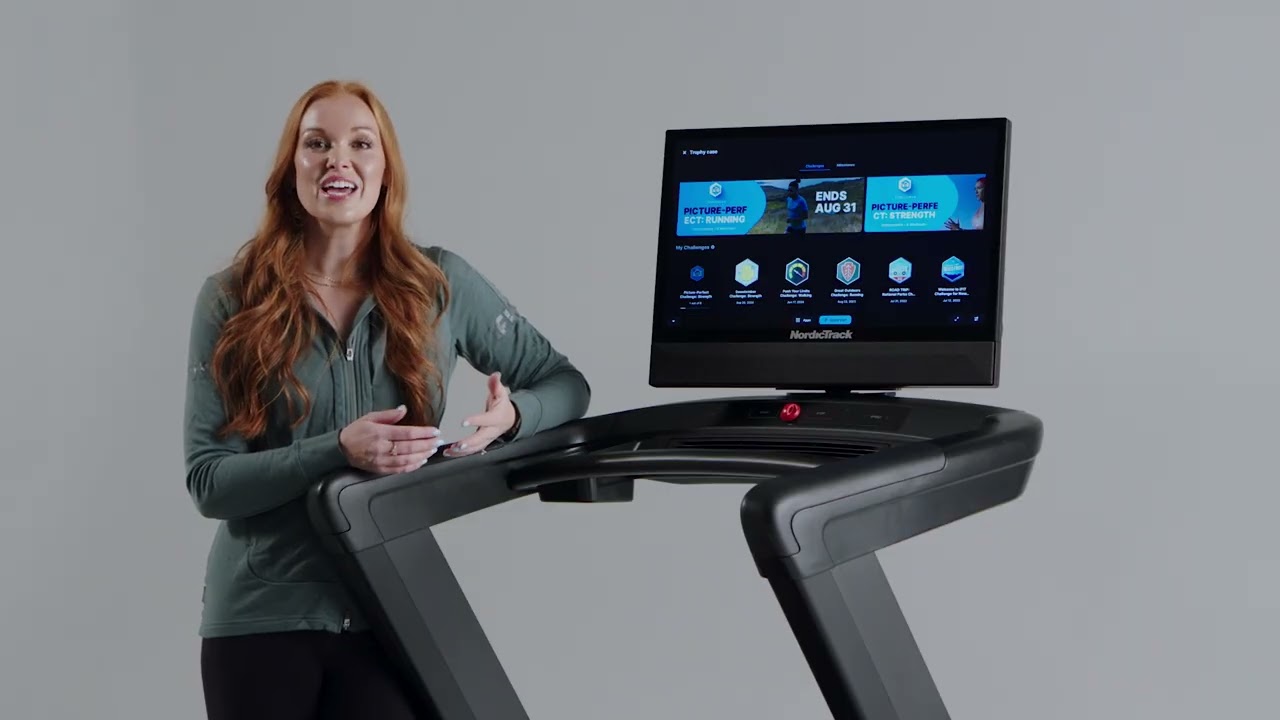
Trophy Case —
what to remember.
06
- 01
Trophy icon at the top of the dashboard.
- 02
Shows active, in-progress, and completed challenges.
- 03
Two badge types: challenge badges (complete a challenge) and milestone badges (any iFIT workout).
- 04
Compare progress across years via the year dropdown.
Six things
to remember.
01
Six workout types
Studio, Global Outdoor, Audio + Map, Build Your Own, Goal.
02
Series ≠ Challenge
Series = ongoing program. Challenge = time-bound with a badge.
03
Creator = 2.0 Glass
Workout Creator is iFIT 2.0 Glass only.
04
Two badge types
Challenge badges and milestone badges in the Trophy Case.
05
Maps = real elevation
Treadmill matches real-world incline as you run the route.
06
Goal auto-ends
Workout stops the moment the goal is hit.
Take the quiz
to complete the module.
Pass at 80% to mark Module 04 complete. Use your work email — that's how completion gets credited to you.
Open Module 04 quiz