03
The in-workout
experience.
Inside a workout — what every control does.
Explain ActivePulse and where it's available.
Explain SmartAdjust and where it's available.
Customize the in-workout view (toggles, full-screen, captions).
Identify on-screen elements: header bar, charts, controls, widgets.
What's on the
screen.
Header bar: live metrics — speed, incline, time, distance, calories, HR.
Chart: incline, speed, or timeline view of the workout ahead.
Workout controls: pause, skip segment, adjust speed/incline.
Widgets: music, stats, captions — toggle in Workout Settings.
Heart-rate-driven
adjustment.
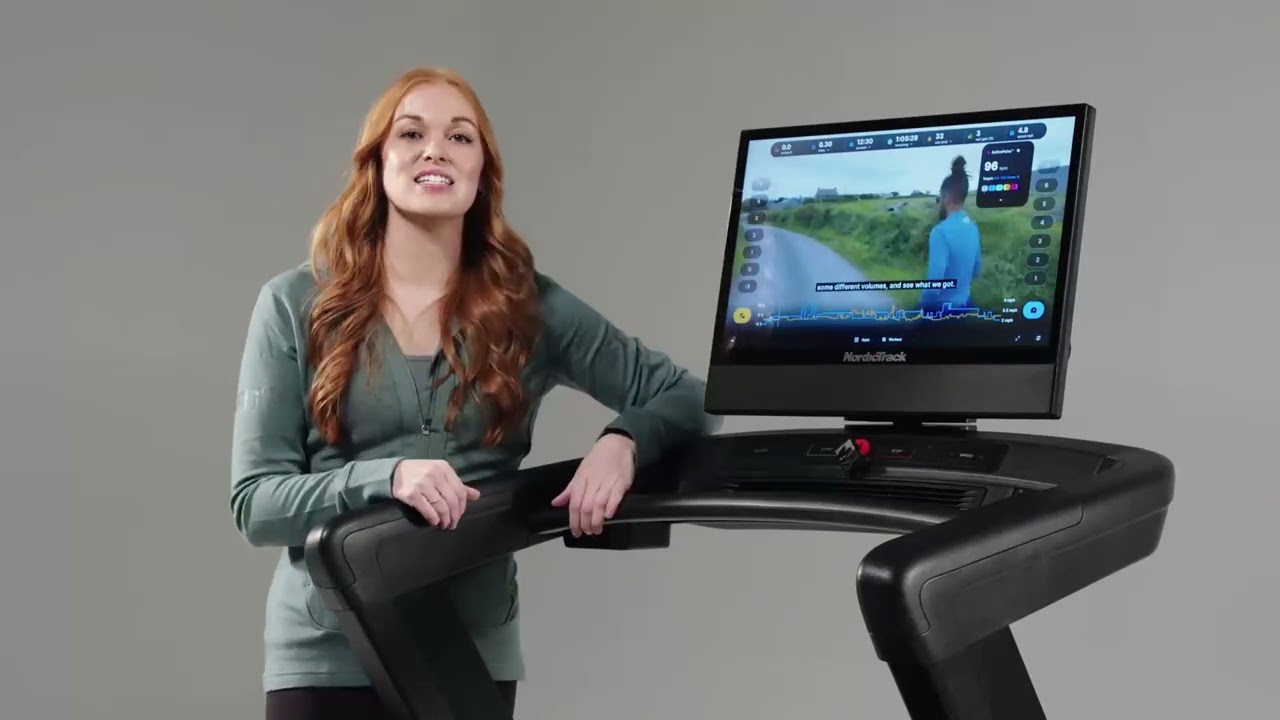
ActivePulse keeps the customer in their target HR zone by auto-adjusting speed and incline. It's the headline feature for treadmill demos.
Pulse Treadmill only · iFIT 1.0, 2.0 Glass, 2.0 Tablet/BLE · paired HR monitor required.
ActivePulse —
what to remember.
01
- 01
Treadmill-only feature — auto-adjusts speed and incline to keep you in your target HR zone.
- 02
Workout starts in a warm-up phase so HR can stabilize before scaling.
- 03
Personalized to daily variables (sleep, stress, hydration) — easy days stay easy, hard days stay hard.
- 04
SmartAdjust must be on for ActivePulse to work.
- 05
Requires a paired HR monitor (Apple Watch is most common).
- 06
Set resting/max HR zones and run a Max HR test in Settings; toggle ActivePulse there.
- 07
Available on iFIT 1.0, 2.0 Glass, 2.0 Tablet/BLE — not Mobile. Not in Demo Mode.
Auto-pace based on
fitness history.
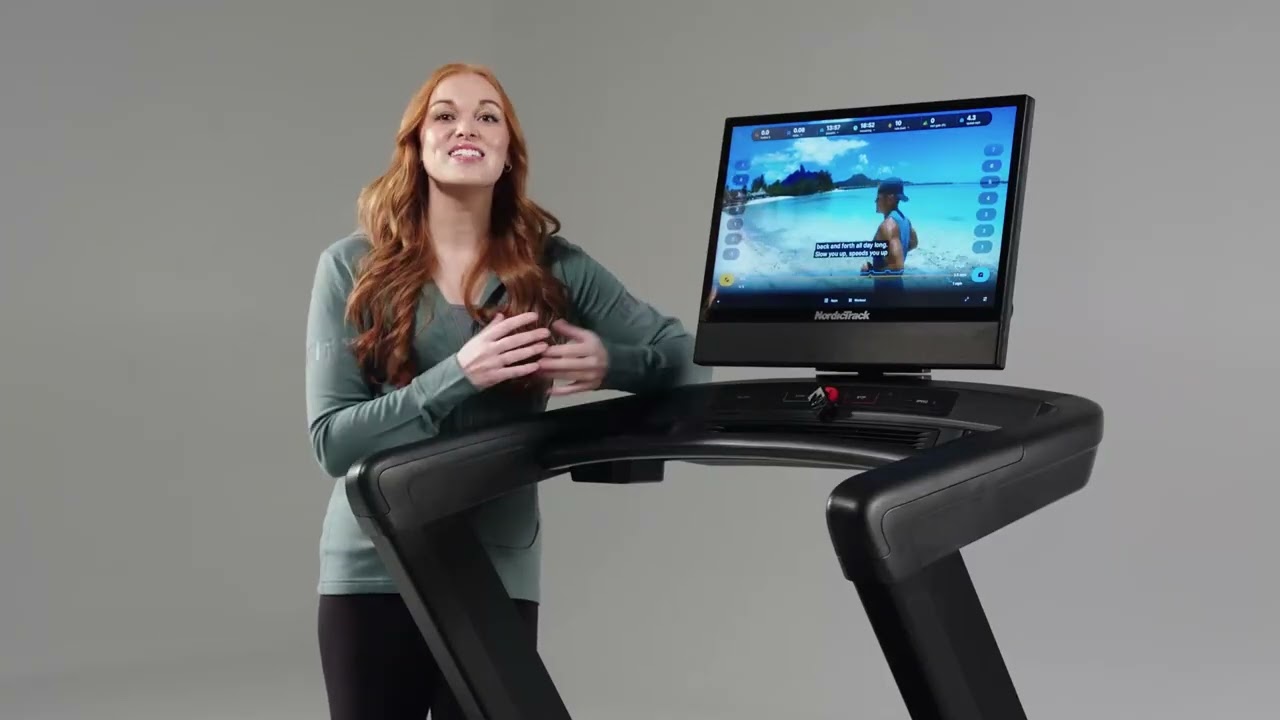
SmartAdjust learns the customer's fitness over time and sets each workout's starting intensity. It's the foundation ActivePulse rides on.
Adjust Available on iFIT 1.0, 2.0 Glass, 2.0 Tablet/BLE, and 2.0 Mobile.
SmartAdjust —
what to remember.
02
- 01
Auto-sets workout starting intensity based on fitness history.
- 02
Learns your capabilities over time — calibrates to the actual user.
- 03
Mid-workout: change speed and SmartAdjust scales the rest to match the new pace.
- 04
Toggle in Workout Settings.
- 05
Available on iFIT 1.0, 2.0 Glass, 2.0 Tablet/BLE, and 2.0 Mobile.
Toggle what's on screen
during a workout.
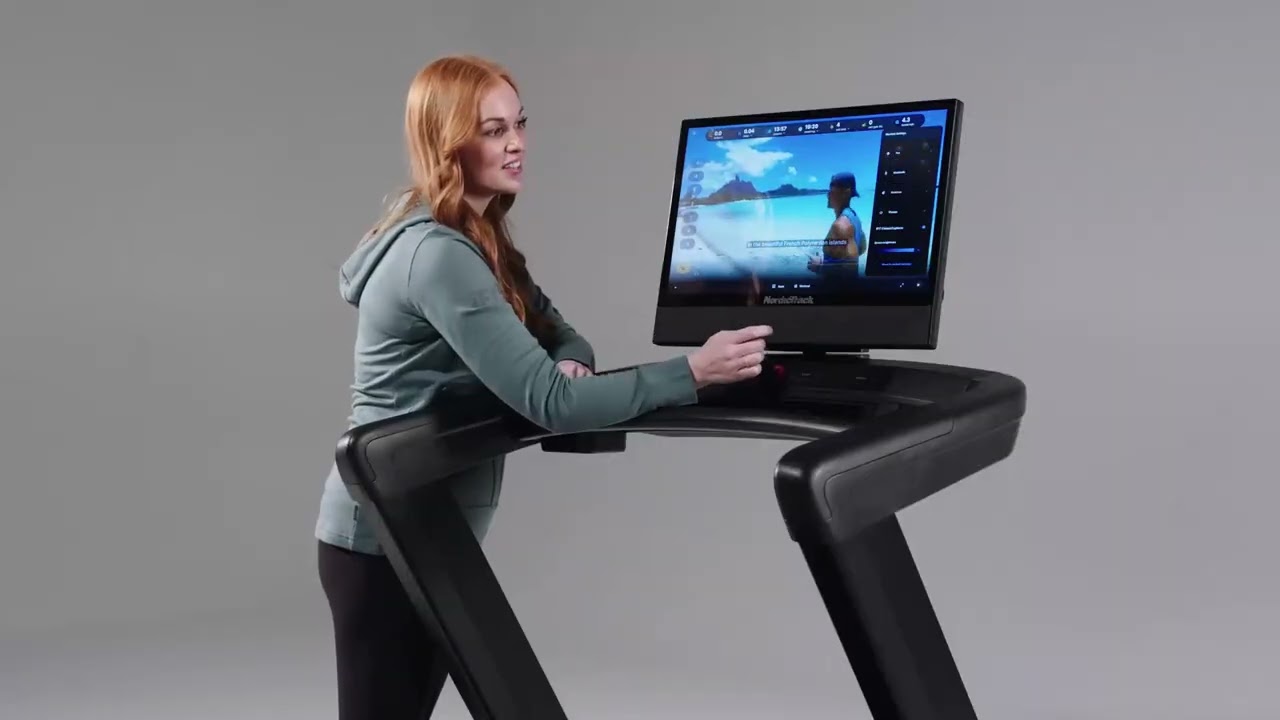
Every customer is different. Show them where to hide widgets, swap chart views, and go full-screen so the workout feels theirs.
in-workout Workout Settings → bottom-right of the screen during any workout.
Customize in-workout —
what to remember.
03
- 01
Open Workout Settings from the bottom-right of any workout.
- 02
Toggle: metric bar, charts, workout controls, widgets.
- 03
Display: closed captions, brightness.
- 04
Chart: tap incline or speed indicators to switch view; disable both for timeline view.
- 05
Hide bottom bar with the arrow; full-screen removes all UI.
- 06
Preferences persist across workouts.
Five things
to remember.
01
ActivePulse = treadmill
Auto-adjusts speed/incline to your HR zone. Treadmill only — requires a paired heart rate monitor.
02
SmartAdjust everywhere
Available on every platform. Foundation for ActivePulse.
03
ActivePulse needs SmartAdjust
SmartAdjust must be on for ActivePulse to work.
04
Demo Mode = no ActivePulse
ActivePulse is not available in Demo Mode.
05
Workout Settings
Bottom-right corner during any workout — toggle anything on or off.
Take the quiz
to complete the module.
Pass at 80% to mark Module 03 complete. Use your work email — that's how completion gets credited to you.
Open Module 03 quiz