02
Content discovery
& navigation.
Help any customer find the workout they want in seconds.
Tour the home screen and explain what each section does.
Use search, filters, and sort to find any workout fast.
Explain how iFIT recommends content from history and goals.
Locate the schedule (calendar) view for planning and verifying workouts.
The side menu is
the spine.
Once a customer knows where the side menu lives, every other part of the experience opens up. Start every demo there.
screen tour Three taps reach Library, Search, Calendar, Trophy Case, Settings, and Create.
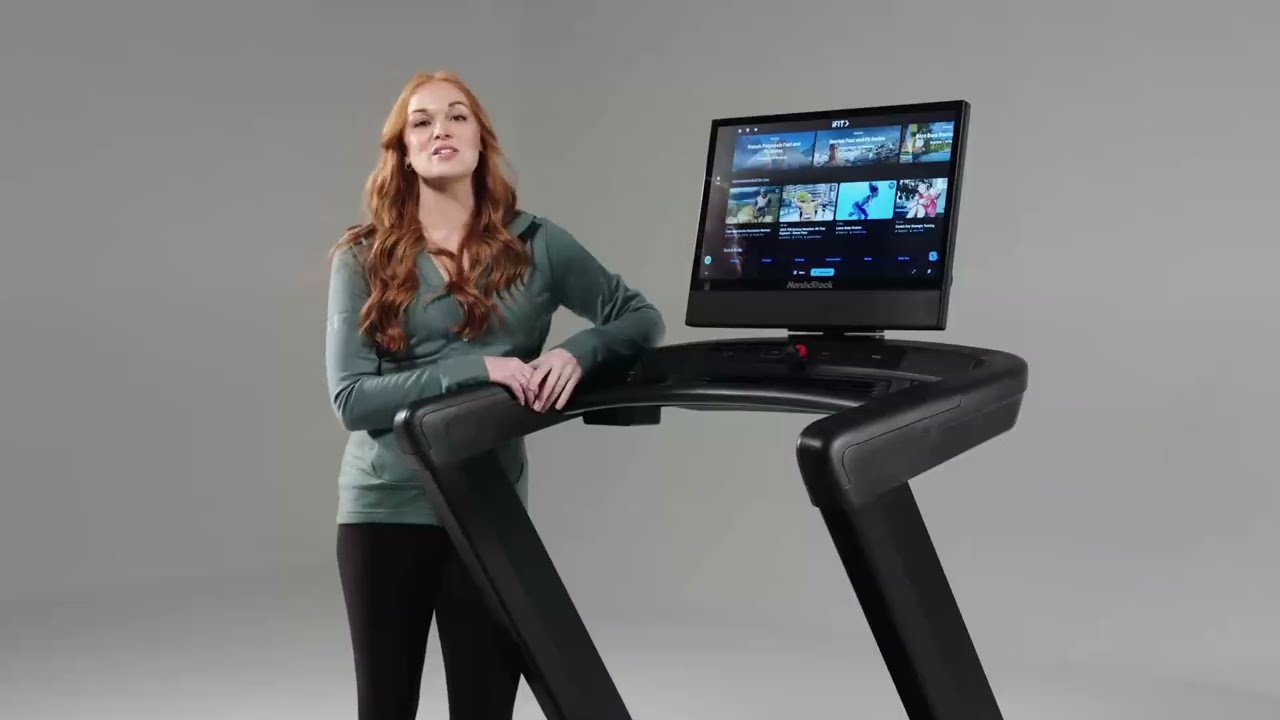
Home screen tour —
what to remember.
01
- 01
The side menu (top-left, three lines) is the spine of the experience.
- 02
Top dashboard rows surface recommended and active content — active series and challenges.
- 03
Side menu reaches: Library, Search, Calendar, Trophy Case, Settings, Create.
- 04
Home screen content is personalized based on workout history.
When the customer
knows what they want.
Search and filters are the fastest path when a customer comes in with something specific in mind — a trainer, a length, an experience.
filter, find Filters cover content type, trainer, length, location, and level.
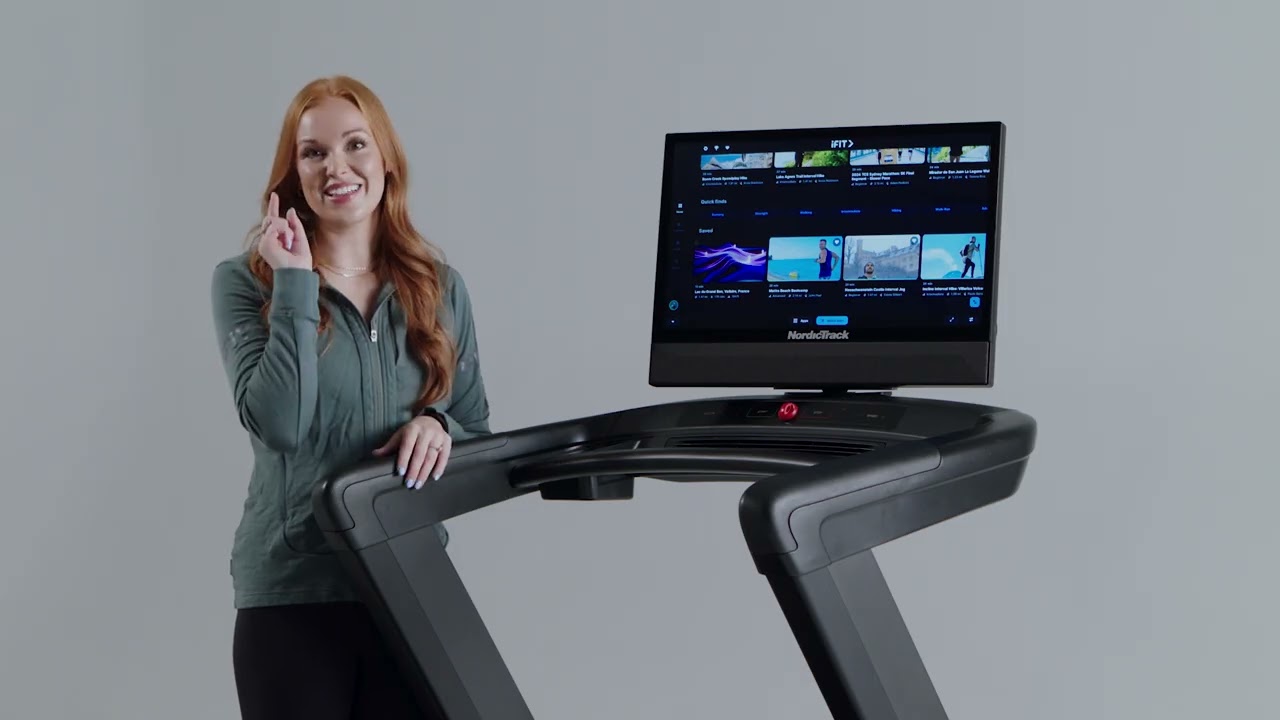
Content discovery —
what to remember.
02
- 01
Search and filters are the fastest path when the user has something specific in mind.
- 02
Filters cover content type, trainer, length, location, level.
- 03
Recommendations are driven by past workouts and stated goals.
- 04
The Series filter is how customers find progressive programs.
Recommendations,
where they show up.
- 01
Driven by past workouts and stated goals.
- 02
Surfaces on the home dashboard.
- 03
Appears in search results as suggestions.
- 04
Shown as dedicated "Recommended for you" cards.
- 05
No history yet? Recommendations lean on the onboarding goals the customer picked at signup — plus staff picks curated for new users.
Calendar view,
two ways.
- 01
Calendar is reachable from the side menu.
- 02
Use it to plan workouts ahead — drag scheduled sessions onto specific days.
- 03
Use it to verify completed workouts after a session synced correctly.
- 04
Calendar pulls from the iFIT library, custom workouts, and series.
Six things
to remember.
01
Side menu = spine
Three lines top-left. Library, Search, Calendar, Trophy Case, Settings, Create.
02
Search vs filter
Search for known intent. Filters when narrowing by trainer, length, or level.
03
Series filter
How customers find progressive iFIT programs.
04
Recommendations
Driven by history and goals. New users fall back to onboarding goals.
05
Personalized rows
Top dashboard rows surface what the customer is most likely to do next.
06
Calendar = both ways
Plan ahead, and verify completed sessions synced correctly.
Take the quiz
to complete the module.
Pass at 80% to mark Module 02 complete. Use your work email — that's how completion gets credited to you.
Open Module 02 quiz