01
Membership &
account management.
Four things every ambassador should be able
to do with confidence.
Explain the difference between a free iFIT login, iFIT Train, and iFIT Pro.
Walk a customer through account creation, login, upgrade, pause, and cancel.
Add and manage secondary users — up to 4 with Pro.
Know when an activation code is needed and where it gets redeemed.
Three layers. One workout library.
The features are what change.
- Manual workout mode on equipment
- Small sample of iFIT workouts
- No full library, no progressive series
- Full workout library
- Mobile + tablet apps
- Works without equipment or with BYOD equipment with an LCD display
- Workout Creator
- Multi-app + made-for-iFIT (Ergatta)
- Up to 4 secondary user profiles
"Train or Pro?
Which one is right
for me?"
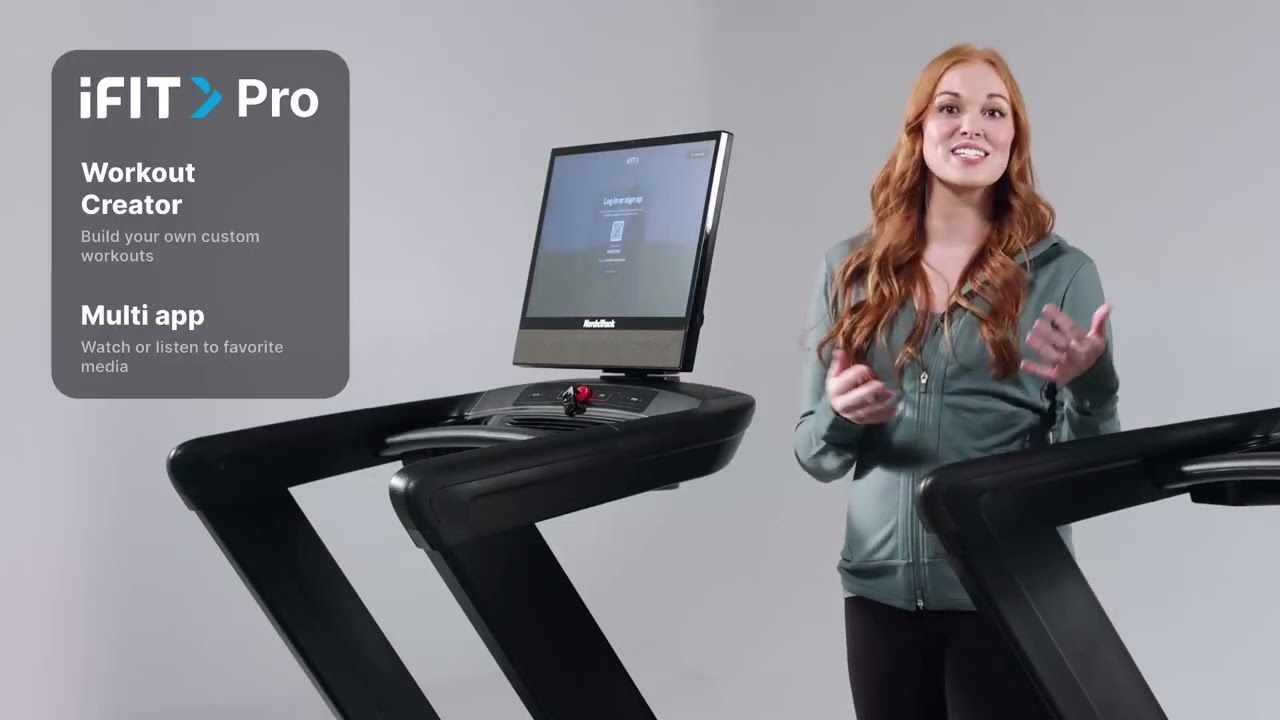
The most common question on the showroom floor. The answer almost always comes down to one thing: what kind of screen the customer is buying.
membership? Up next: a 60-second video walking through how to recommend the right tier.
Membership tiers —
what to remember.
01
- 01
Pro is required for touchscreen NordicTrack and ProForm equipment.
- 02
Train covers LCD equipment, plus the iFIT mobile and tablet apps.
- 03
Both tiers share the same workout library. Pro adds the premium feature set on top.
- 04
No equipment? Train still works through the iFIT mobile and tablet apps.
Two paths into
a brand-new account.
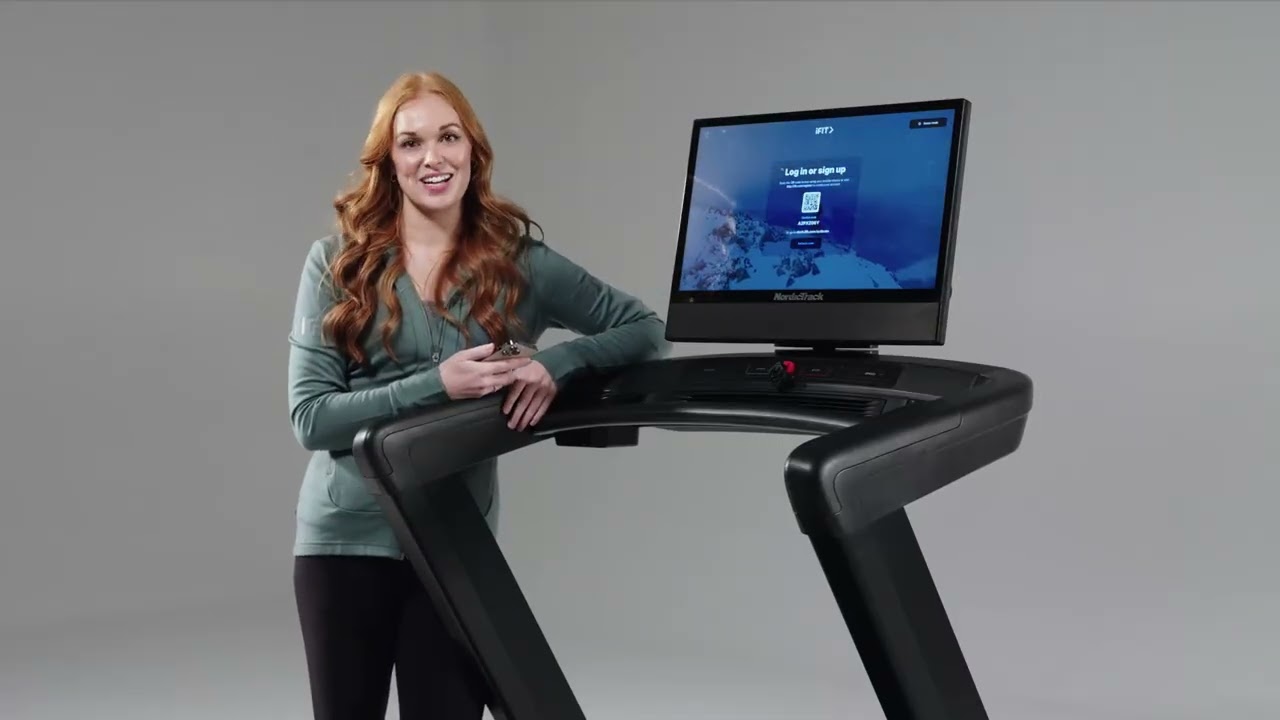
A customer can sign up directly from the equipment or from the web — both end in the same place. Use the path that matches what's in front of you.
account QR code on the machine, or iFit.com — pick whichever works best.
Create account —
what to remember.
02
- 01
Sign up via the QR code on the equipment, or directly at iFit.com.
- 02
Provide an email, password, and basic profile info.
- 03
Pick a plan: monthly or annual.
- 04
Then log into the equipment to start working out.
Two ways to sign in —
phone or no phone.
Login on a touchscreen always uses a QR code, but customers without a phone are not stuck. Any internet-connected browser will get them logged in.
in Watch how the QR pairing handshake works, plus the no-phone fallback.
Login —
what to remember.
03
- 01
On a touchscreen: scan the QR code with the phone's camera, confirm the matching code on the phone, tap Confirm.
- 02
Already logged in on the phone? Just tap Proceed.
- 03
No mobile device? Type the URL shown on the equipment into any internet-connected browser.
- 04
Pairing is per-session — the equipment doesn't store the customer's password.
Even a free login
is useful.
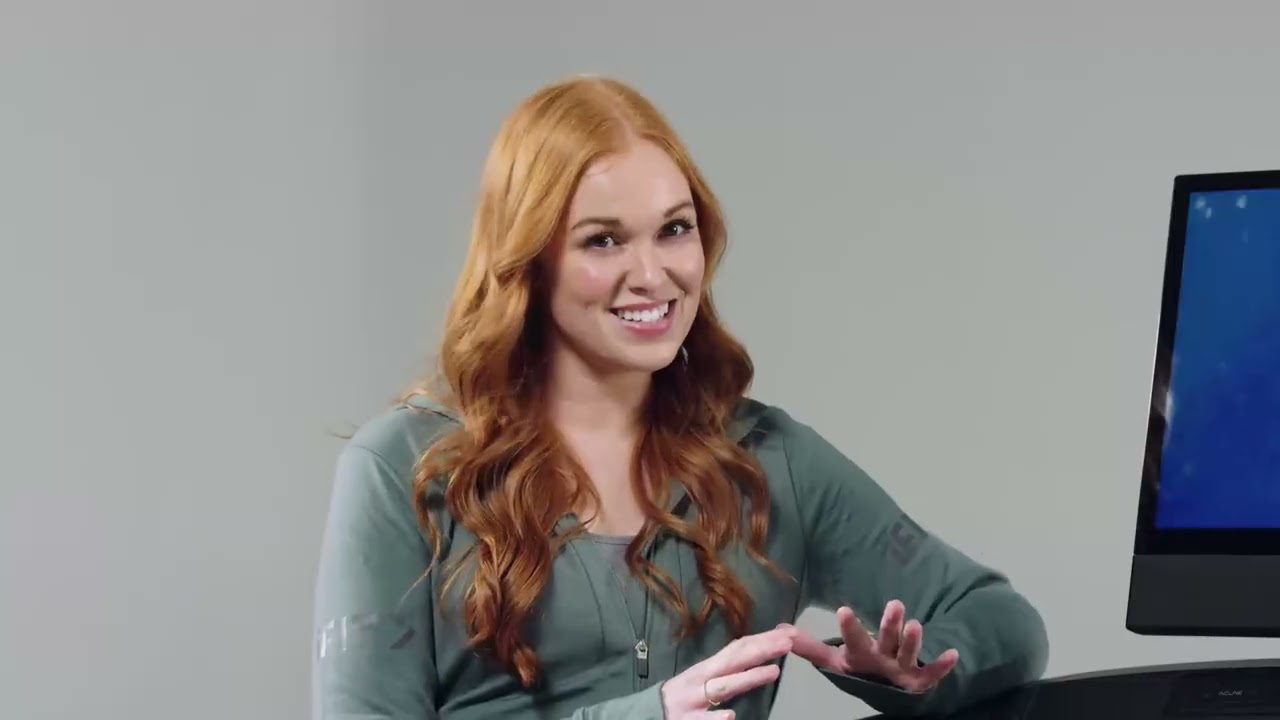
There is no fully signed-out mode on a NordicTrack or ProForm machine. A free iFIT login is the floor — and it still gives the customer manual workout mode plus a sample of iFIT content.
use A short tour of what the free experience looks like, and how to upgrade later.
No-subscription use —
what to remember.
04
- 01
A free iFIT login is required to use a NordicTrack or ProForm machine — there is no totally signed-out mode.
- 02
Free login gives manual workout mode plus a small sample of iFIT workouts.
- 03
A paid subscription unlocks the full library, recommendations, progressive programs, and trainer-led workouts.
- 04
Customers without a login can scan the QR code on equipment or visit iFit.com.
Where a code gets redeemed
depends on who is using it.
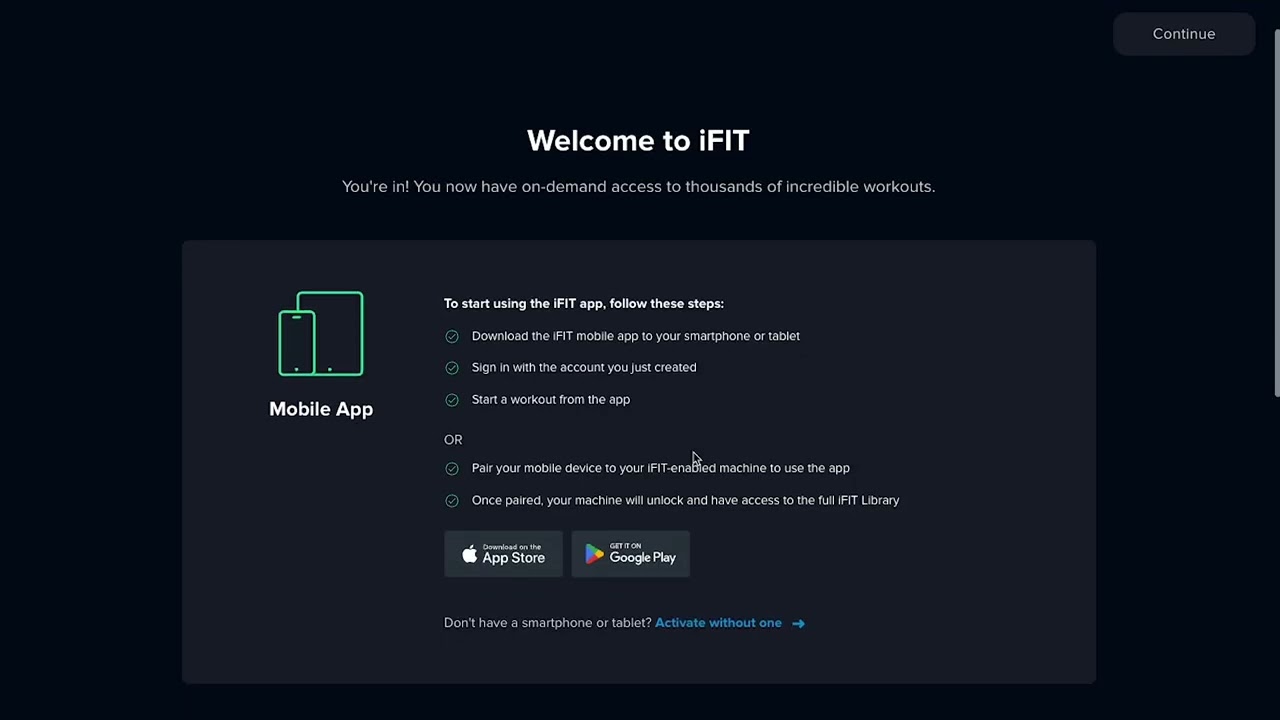
A new user redeems at checkout while creating the account. An existing user redeems through the billing section. Same code — different doors.
codes Redemption auto-upgrades or downgrades the membership to match the code.
Activation codes —
what to remember.
05
- 01
New users apply the code at checkout while creating the account.
- 02
Existing users apply through the billing section of account settings.
- 03
Make sure the code matches the desired tier — redemption auto-upgrades or downgrades the membership.
Train → Pro,
or expand the plan.
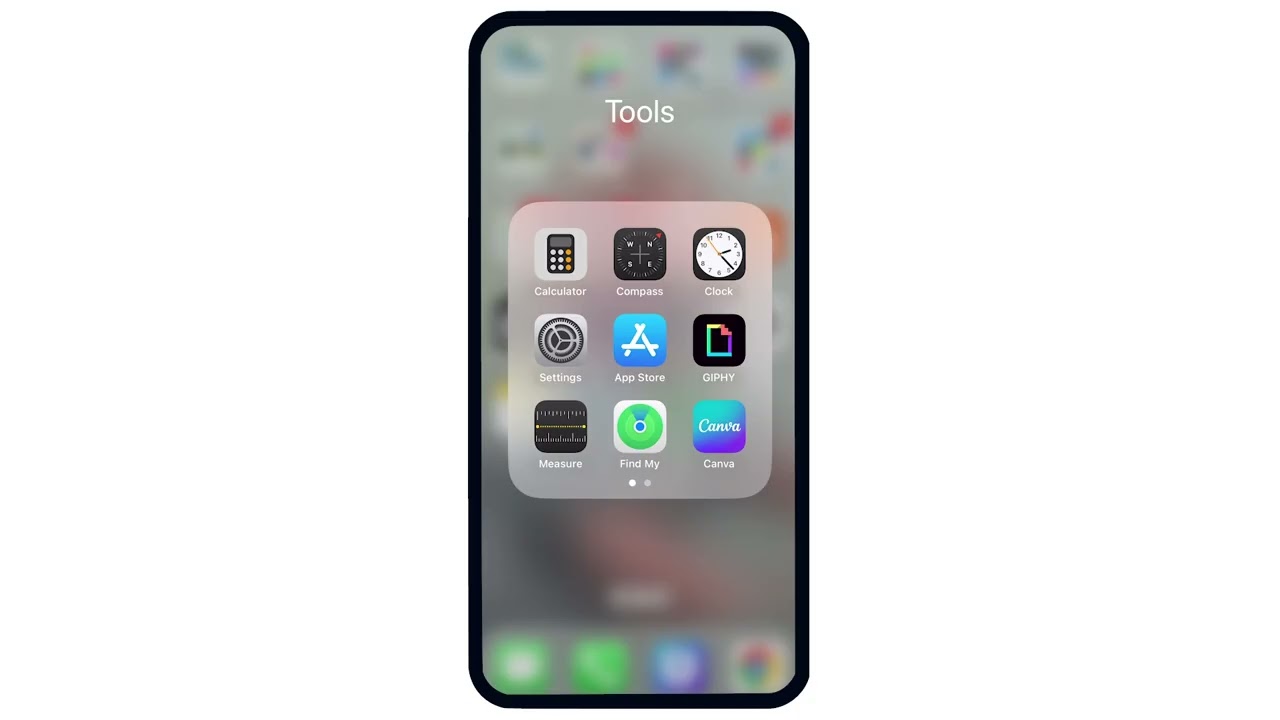
Upgrades happen on the website, not on the equipment. Send the customer to iFit.com and the right page lives in account settings.
membership Manage at iFit.com → Membership; effective on next billing cycle.
Upgrading —
what to remember.
06
- 01
Manage at iFit.com → Membership
- 02
Pick the new plan tier and confirm.
- 03
Effective on the next billing cycle.
A soft alternative
to cancel.
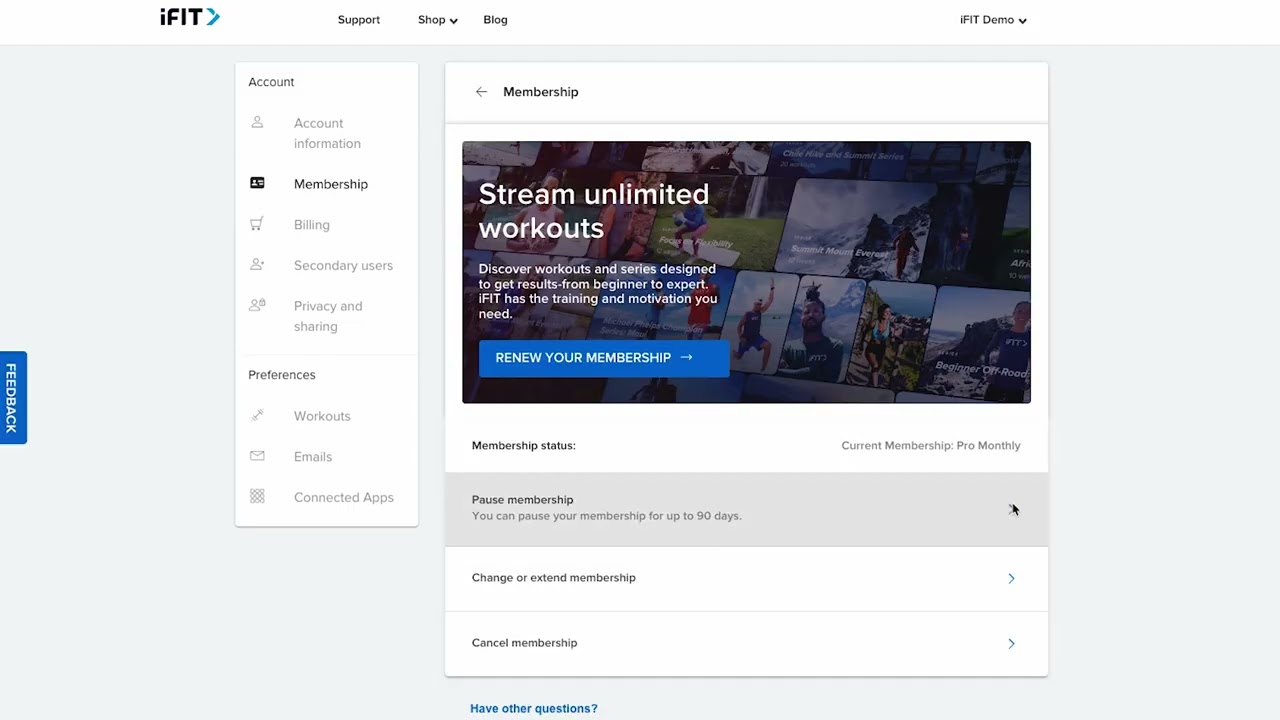
When a customer is wavering, pause is the save play. Premium access auto-resumes when the pause period ends — no second conversation required.
membership 30, 60, or 90 days. Always offer pause before honoring a cancel.
Pausing —
what to remember.
07
- 01
Path: iFit.com → Membership → Pause membership
- 02
Choose 30, 60, or 90 days.
- 03
Premium access auto-resumes when the pause period ends.
- 04
Use as a save-the-customer alternative when a cancel comes up.
Cancellation is a
website action.
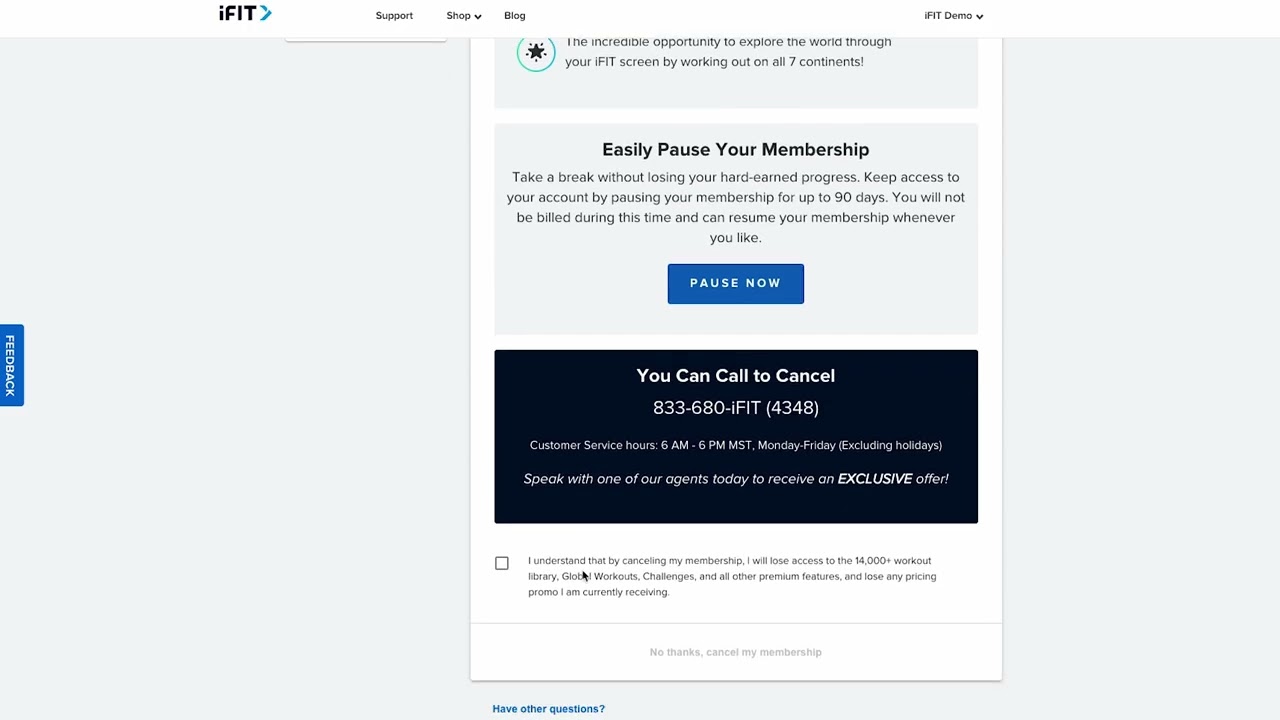
Customers will sometimes ask to cancel from the equipment. They can't — and that's by design. Cancel lives on iFit.com, in the same Membership section as pause.
membership Always route the customer to Pause first if they're unsure.
Canceling —
what to remember.
08
- 01
Path: iFit.com → Membership → Cancel membership
- 02
Acknowledge the features the user will lose.
- 03
Confirm cancellation.
- 04
If they're unsure, route to Pause first.
A Pro perk
worth demoing.
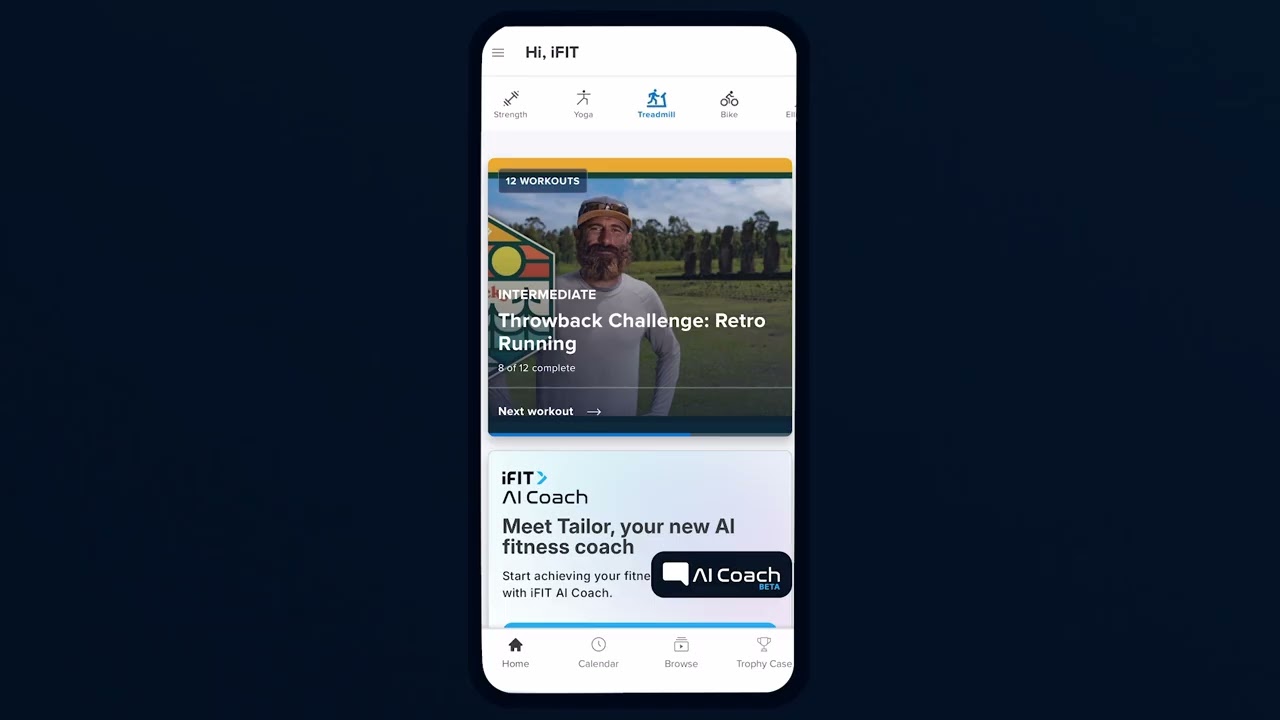
Pro accounts cover up to five people total — primary plus four secondary users. Each secondary user gets full Pro access at no extra cost while the primary stays active.
users Up to 4 secondary users on a single Pro plan. Switch on equipment by tapping the profile picture.
Secondary users —
what to remember.
09
- 01
Pro accounts can add up to 4 additional users — 5 total with the primary.
- 02
On equipment: Settings → Membership → Plan profiles → add by email
- 03
On mobile: Side menu → Settings → Manage Accounts
- 04
Secondary users get full Pro access at no extra cost while the primary stays active.
- 05
Switch users on equipment by tapping the profile picture or initials.
Five things every ambassador
walks out of training knowing.
01
Pro = touchscreen.
Train = LCD & apps.
One question — what kind of screen — answers most "which membership?" calls.
02
Free login is the floor.
Every NordicTrack and ProForm machine requires at minimum a free iFIT login.
03
Activation codes:
checkout vs. billing.
New users redeem at checkout. Existing users redeem in billing.
04
Pause before cancel.
Cancel and pause both live on iFit.com. Pause is the save play — auto-resumes after 30, 60, or 90 days.
05
Pro = up to 5 users.
Primary plus 4 secondary users at no extra cost. Add by email; switch by tapping the profile.
Take the quiz
to complete the module.
Pass the quiz at 80% to mark Module 1 complete. Use your work email — that's how completion gets credited to you.
Open Module 1 quiz